Melee AND ranged weapon. Also serves as temporary aerial escape.
Usage
Activating
To activate the item press [SHIFT + RMB]. Same can be done to turn it off. If a player throws (or fatfingers [Q]) an active saber from their mainhand it automatically turns off.
Attacking
When the item is active, it does 12hp of damage when left-clicked on an entity (or player). However like
any other saber item, this can be countered via Blocking.
Do note, you cannot perform critical hits using saber weapons.
A left-click can also
deflect any incoming(in parry range, or in 3.5 block radius for this specific item) projectiles (given
that
the projectile is in a somewhat linear path, unlike shulker bullets for example), but timing would have to
be precise. this is called a parry.
A parry is when you redirect a projectile that was aimed at you.
Blocking
Like any other saber item, when right-clicked, will always block any damage
coming from a saber item. However it also block projectiles if timed properly.
To block a projctile the item shall be held down for less than ~1.25 seconds.
if that is exceeded it will cause the projectiles to do damage. A visual indicator is
shown in first person when you have reached this threshold. Failing to block a projectile is called a
hanging block.
a hanging block is the failed attempt at blocking a projectile in time.(Note: direct melee attacks are
always
blocked)
[show hanging block indicator gif]
Boomerang
Pressing the [SABER-ABILITY] key throws the rotary saber forward like a boomerang.
The saber returns to its owner upon hitting a block or entity, or after 10 ticks (0.5 seconds) in air.
Retrieving the saber temporarily disables blocking while the item is on cooldown.
This ability can be both parried and blocked. It has a 40-tick (2-second) cooldown
before
either Boomerang or SaberFlight can be used again.
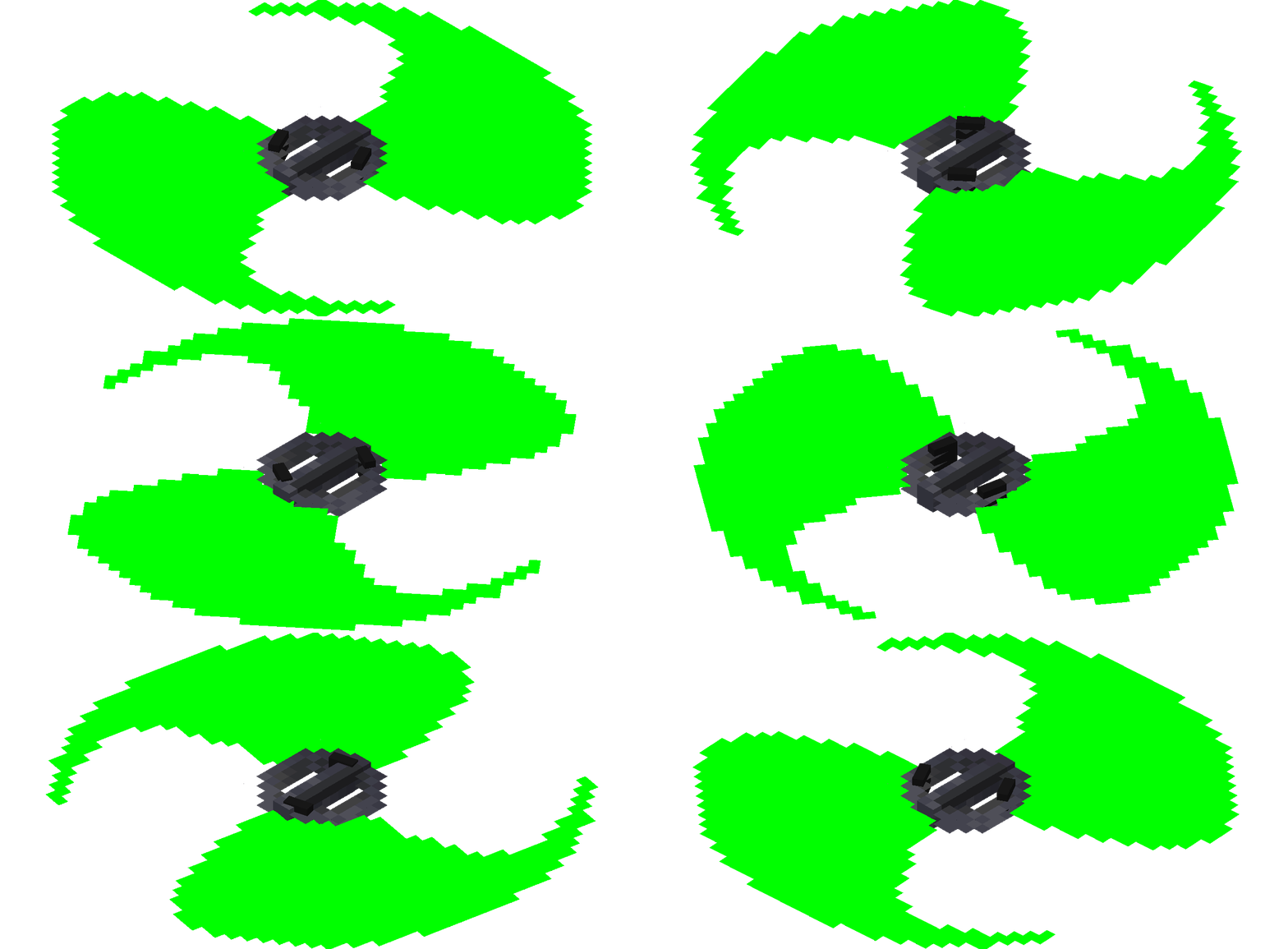
If the owner becomes unreachable (e.g., moves to another dimension, goes offline, or leaves the loaded chunk), the saber will collide with the environment and drop as an item. Entities caught in the saber's path take 2 HP of repetitive damage, while a direct melee hit deals 12 HP.
Flight
Holding down RMB while looking upward or having air blocks directly below you will toggle flight and
you will remain in flight as long as RMB is held. Flight is ideal for vertical
traversal, such as scaling mountains or from a fall into the void.
While flying, the player is extremely vulnerable to both melee and ranged attacks. If hit by even
the weakest arrow, flight is immediately halted, causing the player to fall.
Flight is limited to 200 ticks (10 seconds), after which flight halts without warning.
Once flight ends, is canceled, or is disabled, there is a 40-tick (2-second) cooldown
before it can be used again.
Disruption is a very solid way to
counter a flying player.
Rotary Flight Duration and Rotary Item Cooldown can be tweaked via a datapack.
History
| 0.0.1 | Introduced. |
| 0.0.2 | Flight made vulnerable by Disruption. |
| 0.0.3 | Flight made easy to toggle |
| 0.0.4 |
Added shader support. Added visual indicator for hanging block. Decreased parry range from 4 to 3.5. Fixed rotary flight cooldown/duration synchronization issues. Fixed rotary entity nbt wipe after chunk reload. Thrown rotary saber now return automatically if they dont hit anything within 10 ticks. Thrown rotary saber movement has been slowed to allow easier parrying. Added Hud indicator for rotary flight duration and rotary saber cooldown. Added datapack control for rotary flight duration and rotary saber cooldown. Added ability tooltips. |
| 0.0.5 | Fixed a bug regarding flight initiation |