Usage
KyberStation allows for cosmetic customisation of the saber weapons. Right now there is not a lot you can change. Saber weapon skins are planned and are already half implemented but until then you can only tint a saber weapon.
Tinting Menu
By Default 3 HSL sliders are given.
Hue slider is something like 359 max.
Saturation slider is 100 max.
Lightness slider is 100 max.
These can be toggled into RGB mode upon pressing [COMMA] OR pressing the "HSL" labelled button in the
menu.
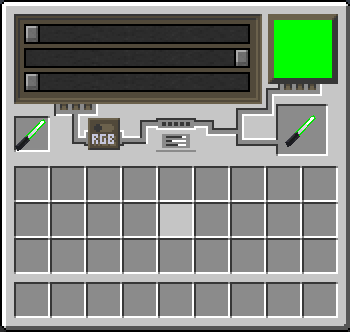
3 RGB sliders are given.
Red slider is 255 max.
Green slider is 255 max.
Blue slider is 255 max.
These can be toggled into HSL mode upon pressing [COMMA] OR pressing the now labelled "RGB" button in
the
menu.
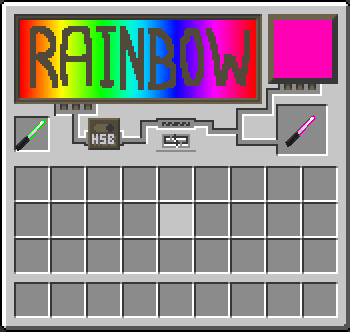
This mode has no sliders as there is nothing to configure. It only applies a looping rainbow colour
effect to your weapon.
if you press [PERIOD] OR (the little pipeline looking thing) an animated RGB
colour is toggled on the weapon, this however does not override the previous
colour, meaning when pressed [PERIOD]
again, the original colour of the item will be brought back, and you will be brought to HSL mode.
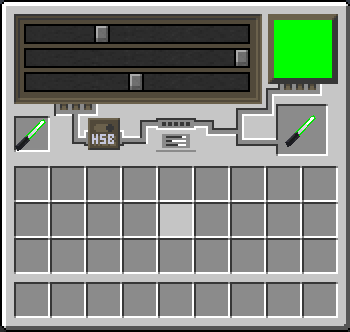
Tinting menu (RGB)
Tinting menu (ANIMATED)